Thảo luận - Windows 10 EnterpriseS, G (Non-Official) Project | Page 750 | VN-Zoom | Cộng đồng Chia Sẻ Kiến Thức Công Nghệ và Phần Mềm Máy Tính

Adblocker detected! Please consider reading this notice.

We've detected that you are using AdBlock Plus or some other adblocking software which is preventing the page from fully loading.

We need money to operate the site, and almost all of it comes from our online advertising.

Please add vn-z.vn to your ad blocking whitelist or disable your adblocking software. 

All the knowledge we share is completely free. If you are willing, please support us here.

×

Thảo luận Windows 10 EnterpriseS, G (Non-Official) Project

Skylined

Búa Gỗ
I will check the original reg entries in the 20348.681 wim
Very strange if it's not there because it would have been there after the packages were added and windows edition was set to EntS.
This reminds me of the problems I encountered when I made 25398 AzureStackHCICor with GUI.
 
Sửa lần cuối:

Hoang Duch2

Rồng Đỏ
I will check the original reg entries in the 20348.681 wim
Very strange if it's not there because it would have been there after the packages were added and windows edition was set to EntS.
This reminds me of the problems I encountered when I made 25398 AzureStackHCICor with GUI.

Have you got it yet? I used the ISO 20348.681 from my friend @dungltcd so I got it after following instructions from you guys. By the way, could you show me how to update to 3566?
 
Sửa lần cuối:
Skylined

Búa Gỗ
The ISO 20348.681 from @dungltcd needs the reg commands and the EditionMatrix.xml modification to fix the dism getcurrentedition problem.

@dungltcd is a legend, I admire all his work - he has made excellent versions of nearly all windows editions.

20348.3561 : Just run the msu to upgrade

If you want to update the 20348.681 wim offline using @2012mshs update tool - the tool might need to be modified because the msu contains a cab which has a cab1 and cab2.

Please post your results because it may not upgrade if the fix was applied to 20348.681. If that is the case then you have to upgrade the 20348.681 first to 20348.3561 and then apply the fix for the dism problem.

Many thanks
 
Sửa lần cuối:

l34um1c

Búa Gỗ
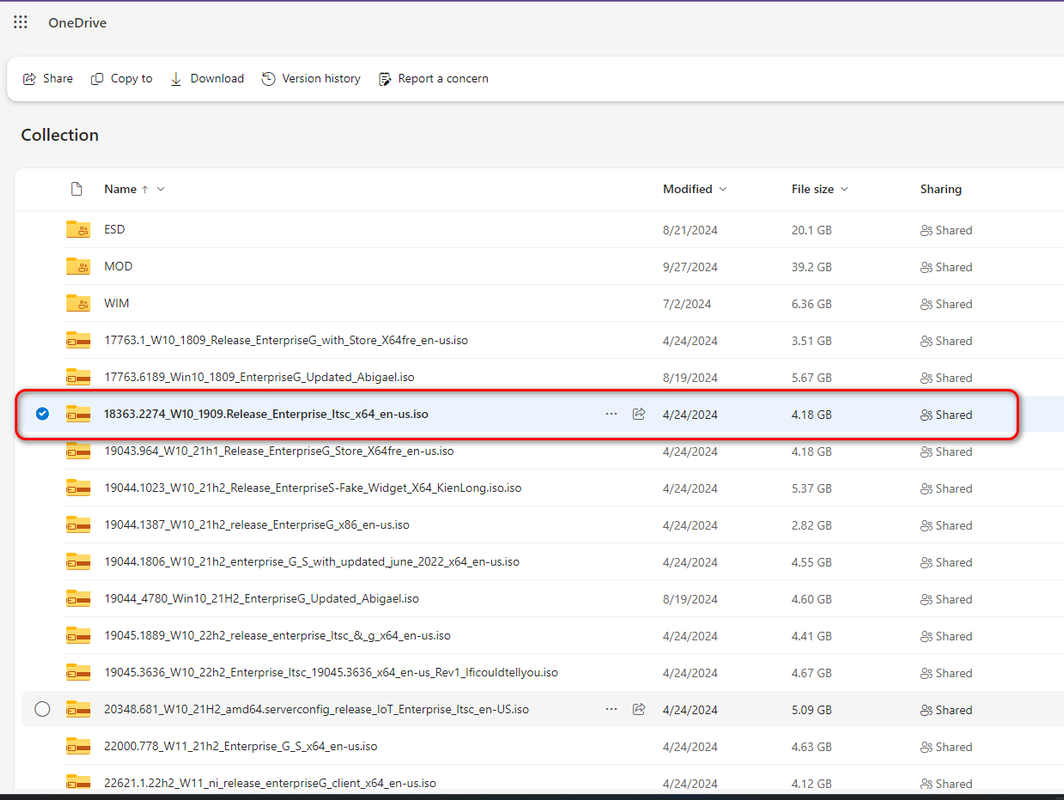
Does anyone have 18363.2274.19h2_release_enterprise_ltsc_x64_en-us.iso

I posted a link to it recently and the link immediately stopped working
I deleted the ISO from my drive and now I can't find it anywhere on the forum.
 

Hoang Duch2

Rồng Đỏ
The ISO 20348.681 from @dungltcd needs the reg commands and the EditionMatrix.xml modification to fix the dism getcurrentedition problem.

20348.3561 : Just run the msu to upgrade

If you want to update the 20348.681 wim offline using @2012mshs update tool - the tool might need to be modified because the msu contains a cab which has a cab1 and cab2.

Please post your results because it may not upgrade if the fix was applied to 20348.681. If that is the case then you have to upgrade the 20348.681 first to 20348.3561 and then apply the fix for the dism problem.

Many thanks
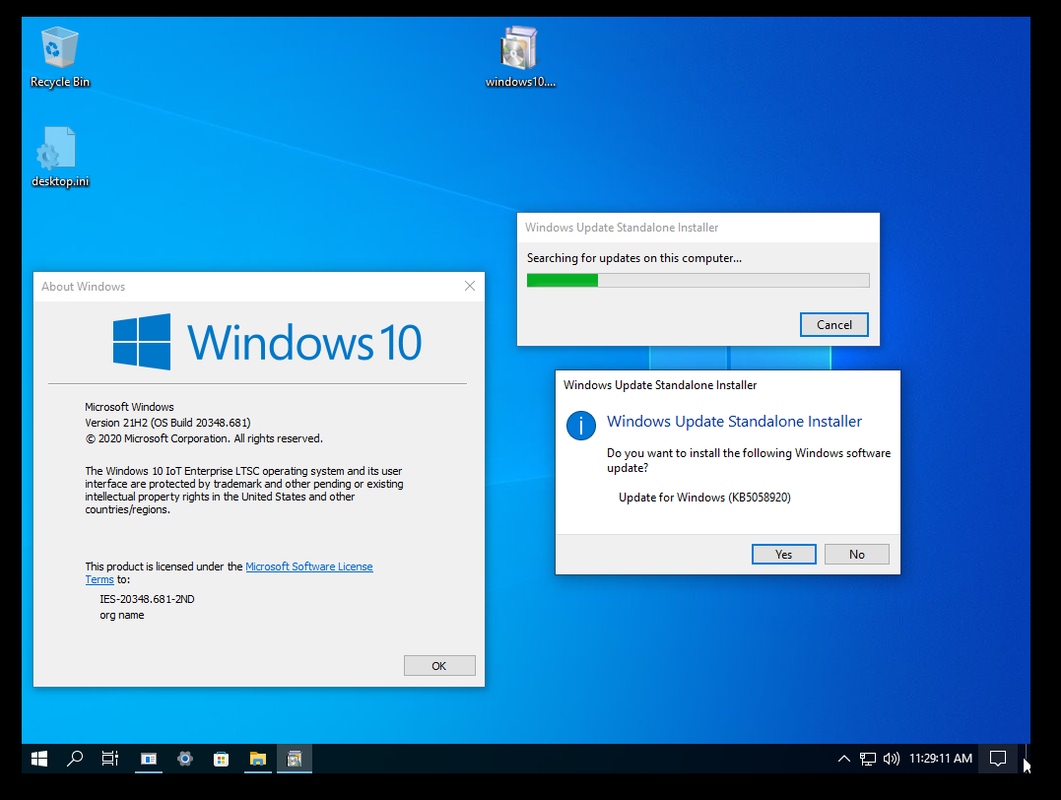
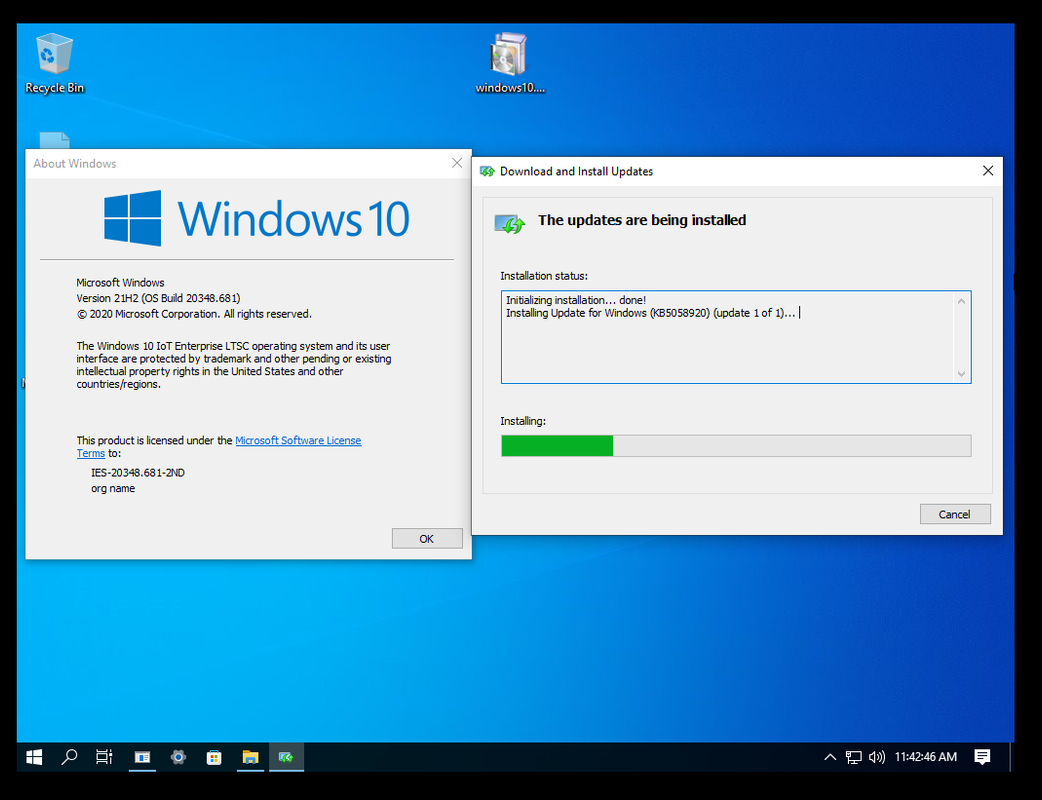
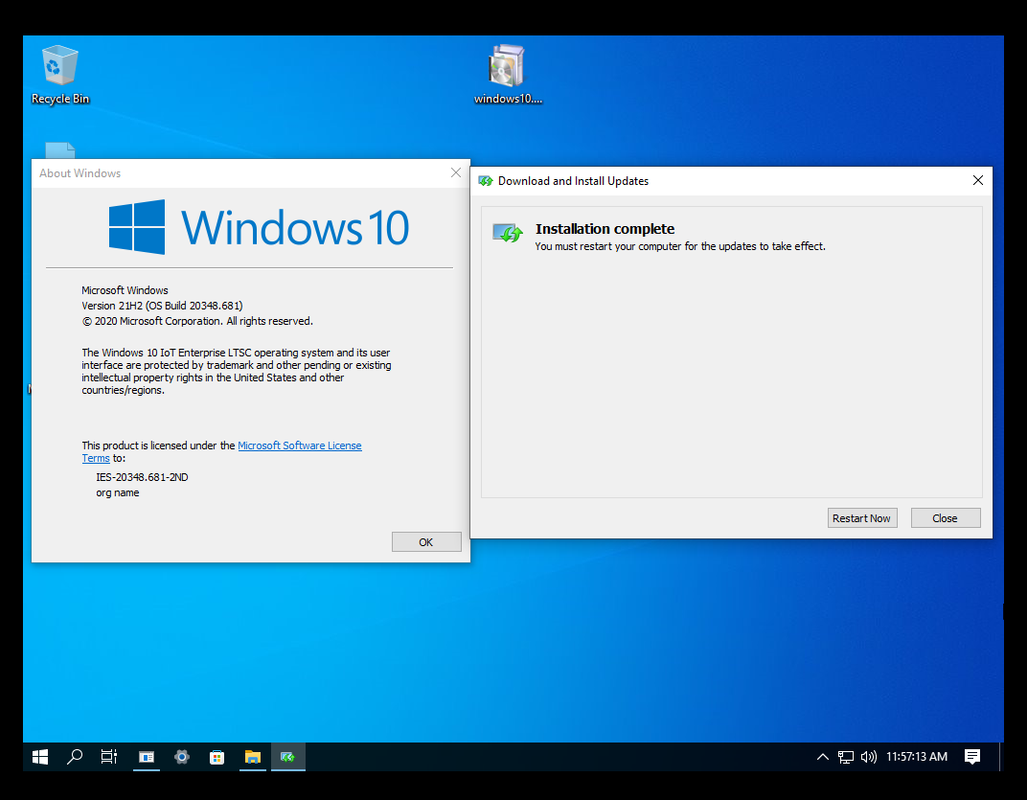
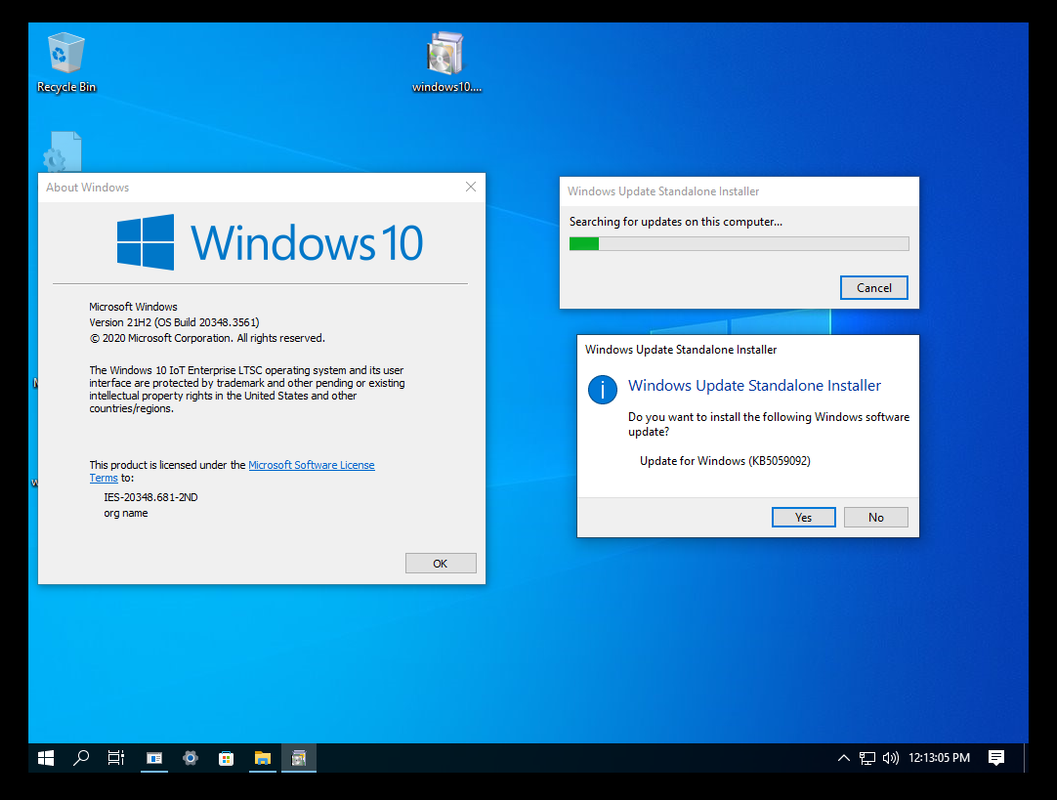
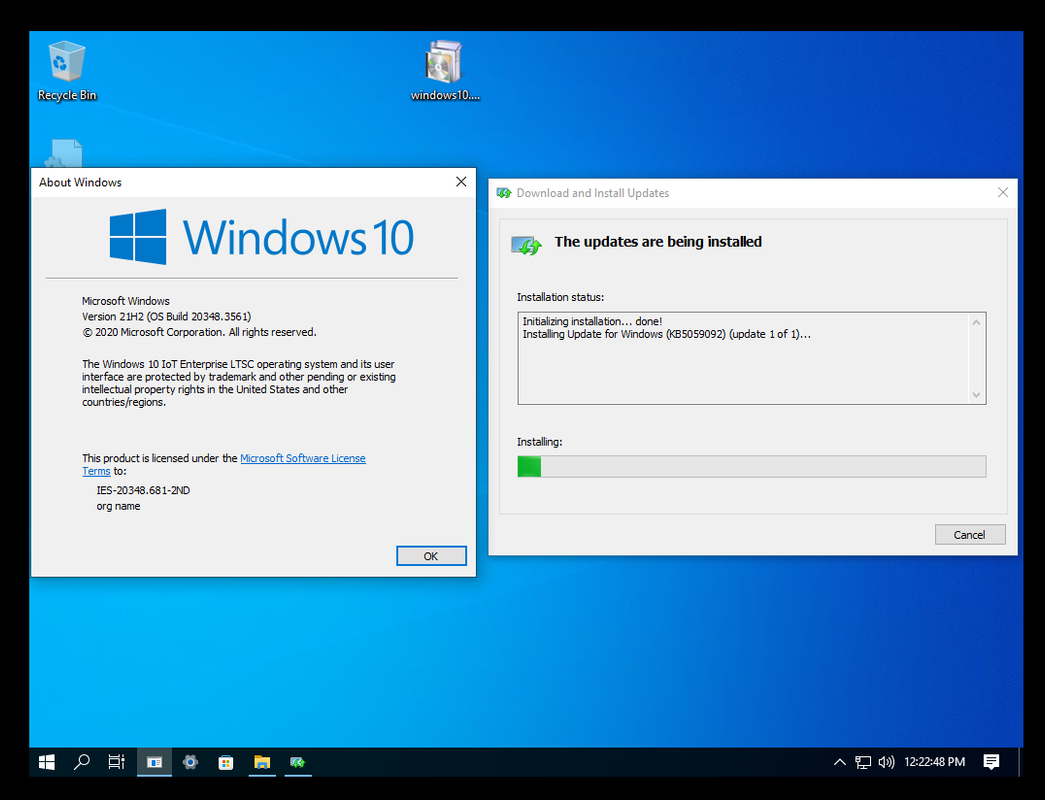
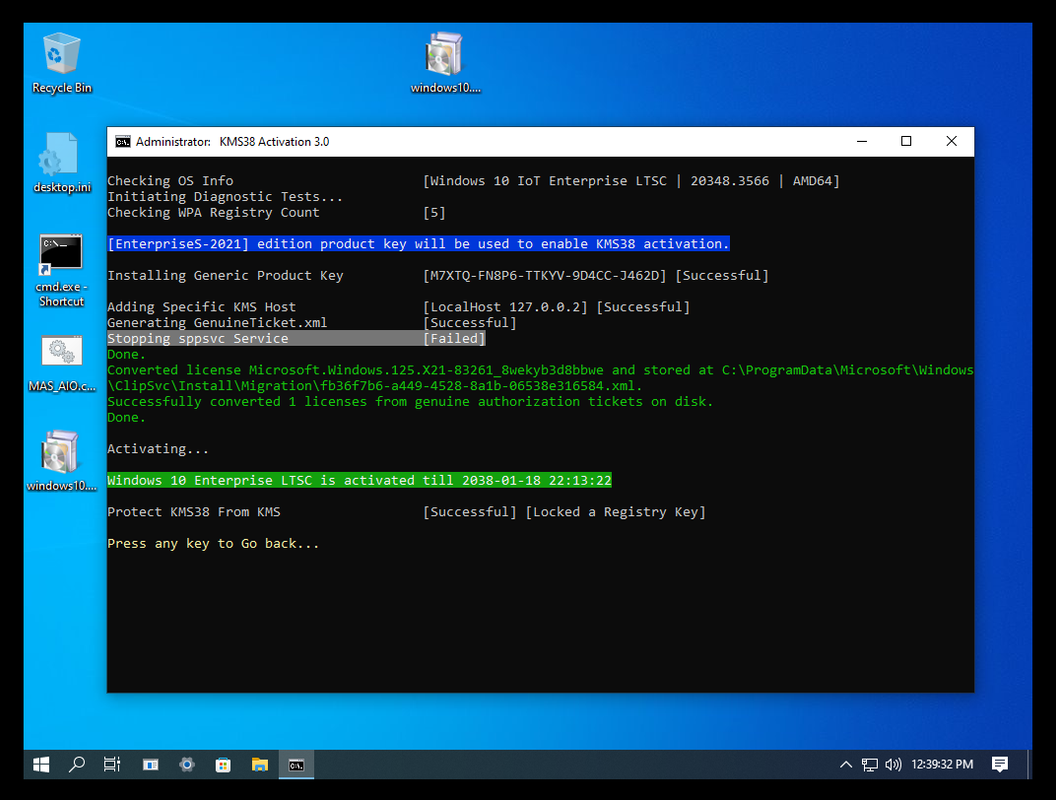
I am still waiting for the update:

2025-04-19-112911.png


2025-04-19-114246.png


2025-04-19-115713.png


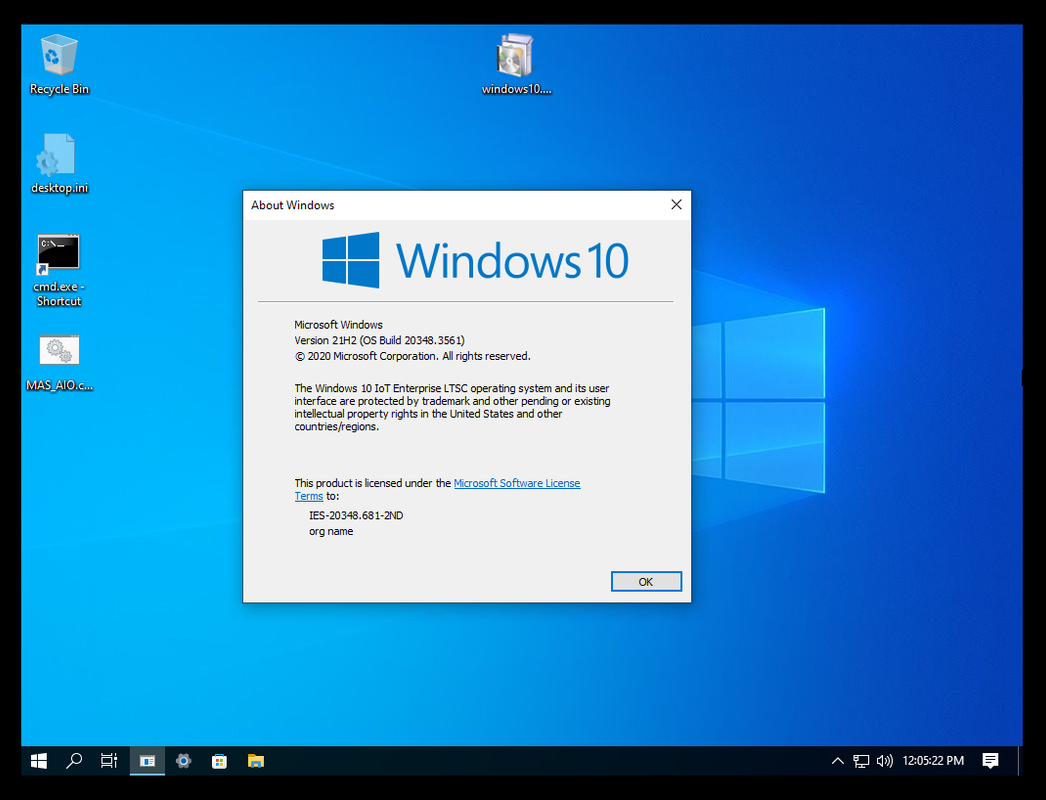
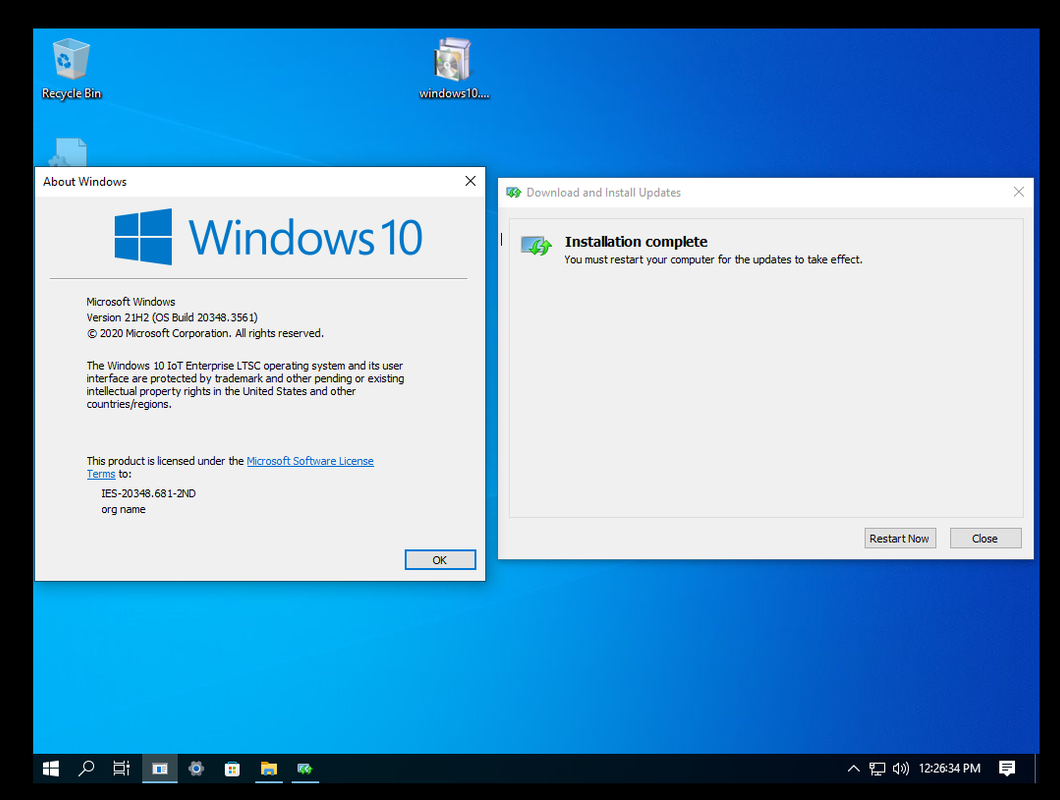
Good news:

2025-04-19-120521.png
 
Sửa lần cuối:

Hoang Duch2

Rồng Đỏ
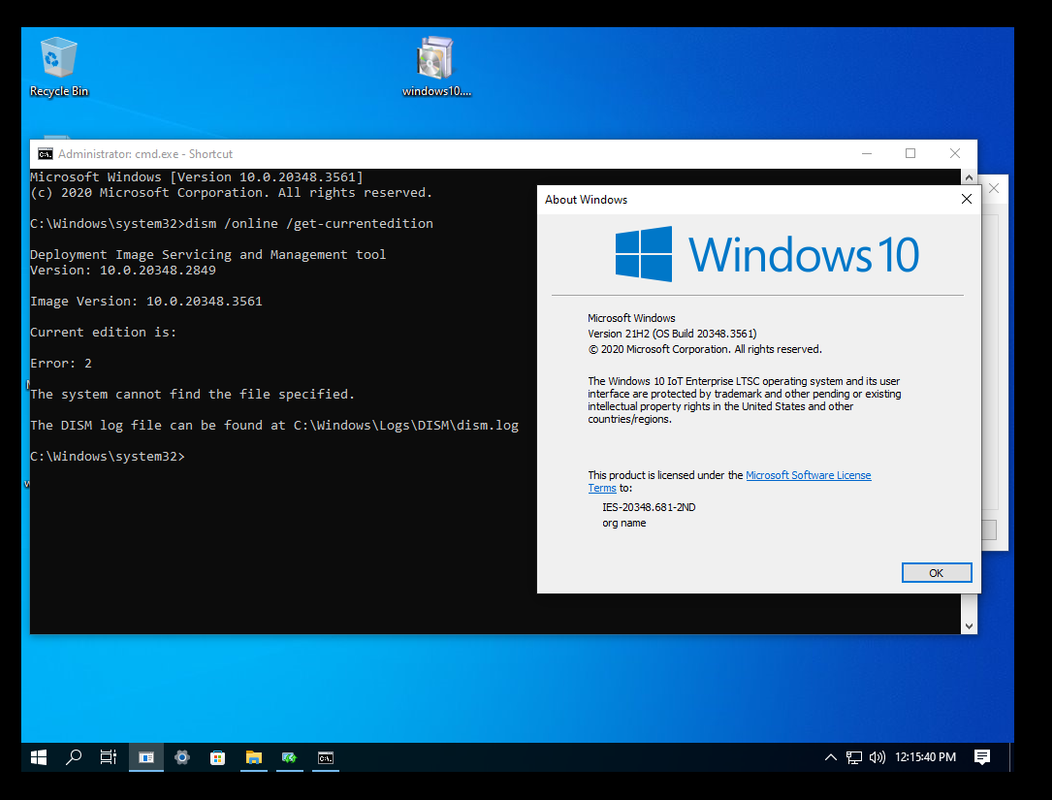
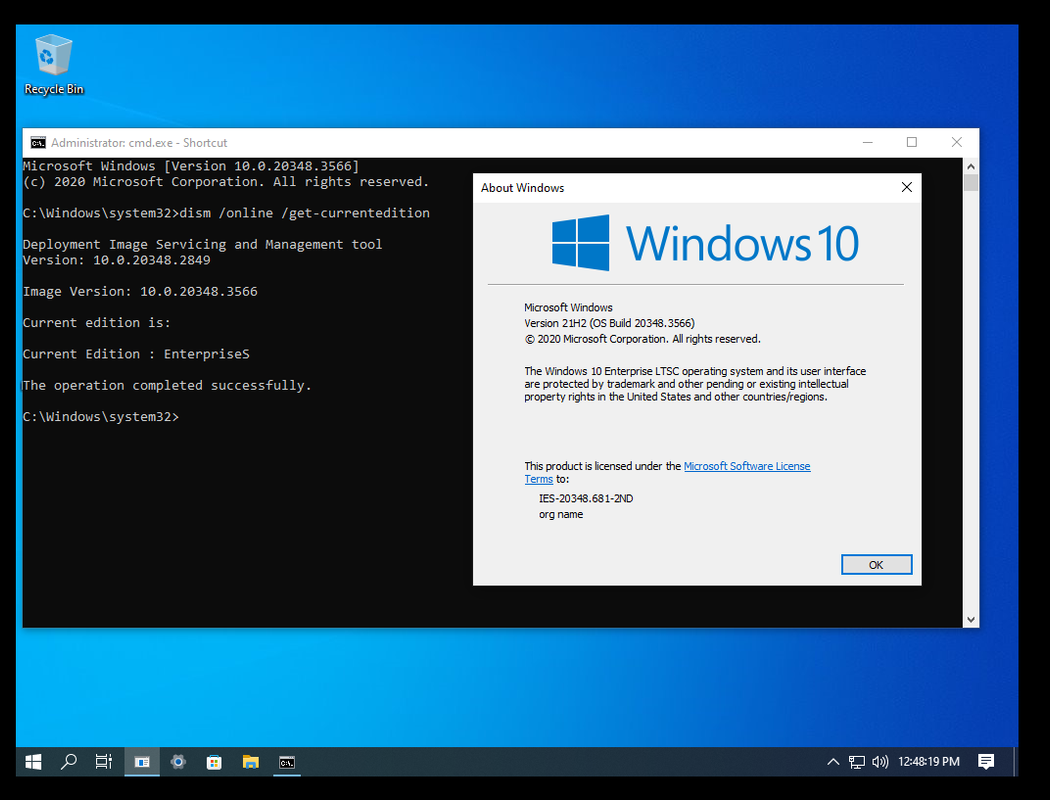
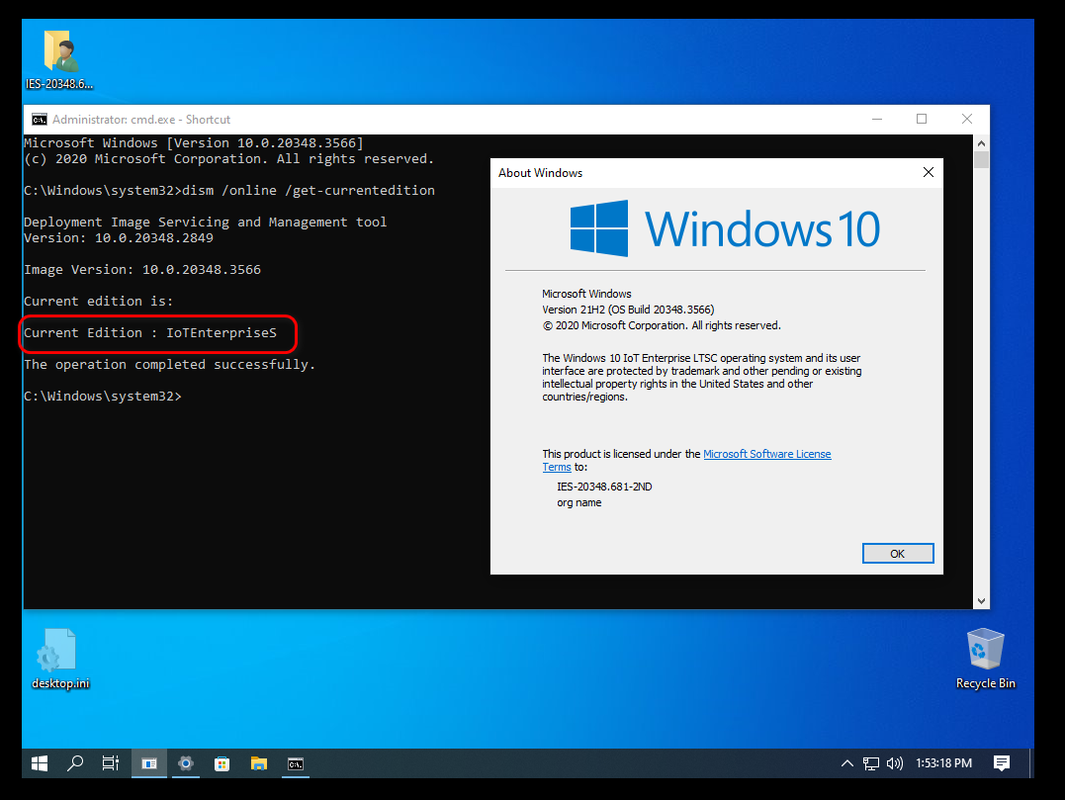
Do a dism command to get the current edition.
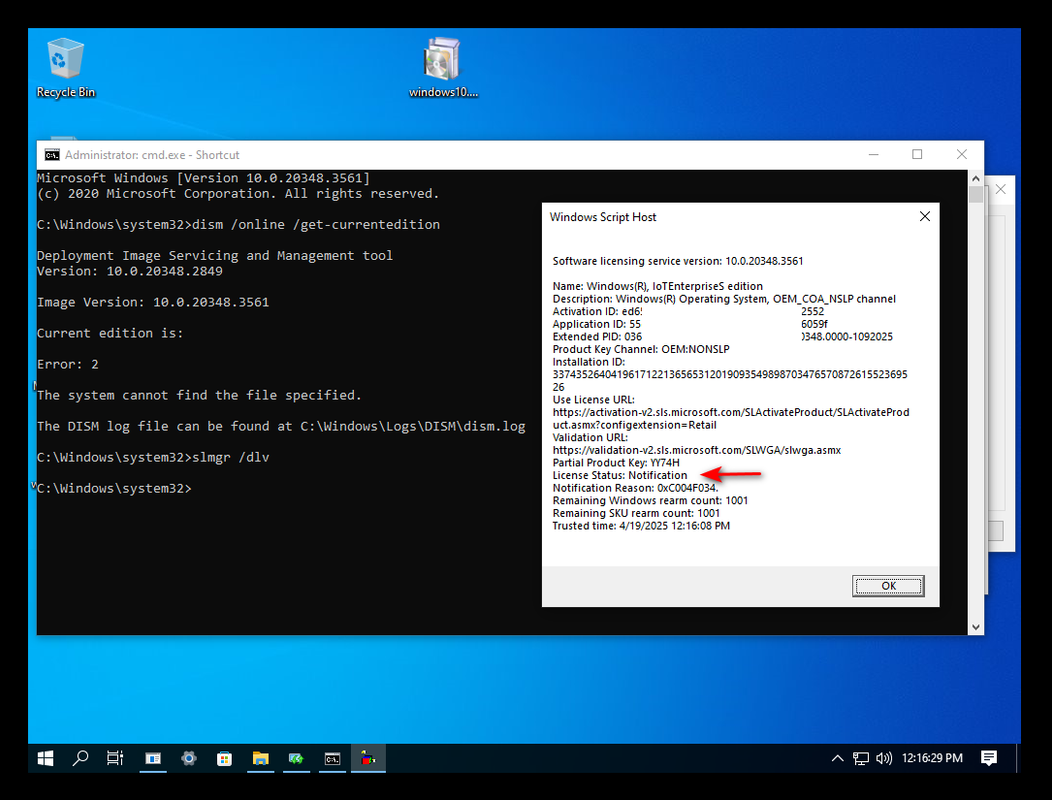
I just installed this one today for testing update, I have not fixed the current edition yet. I will do it after updating to 3566.

2025-04-19-121540.png


2025-04-19-121629.png
 

l34um1c

Búa Gỗ
Excellent.
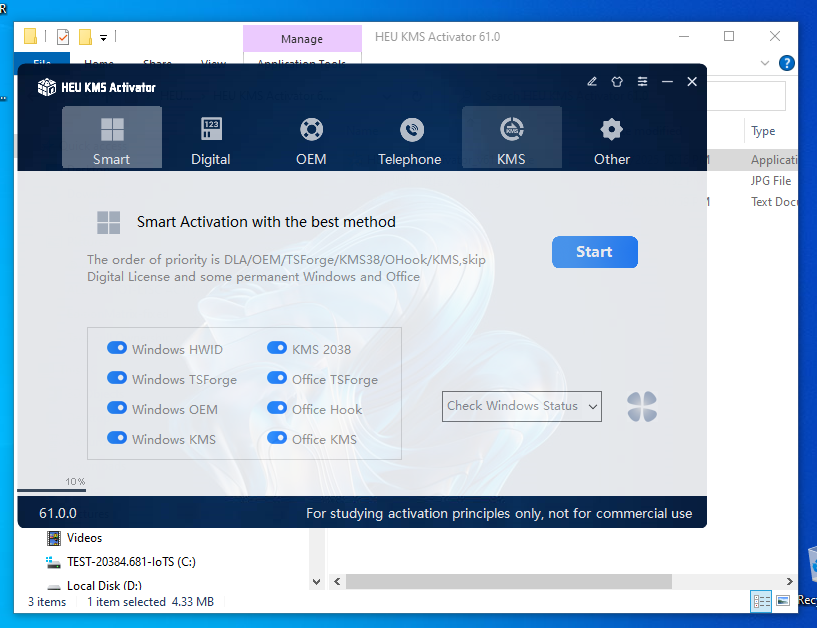
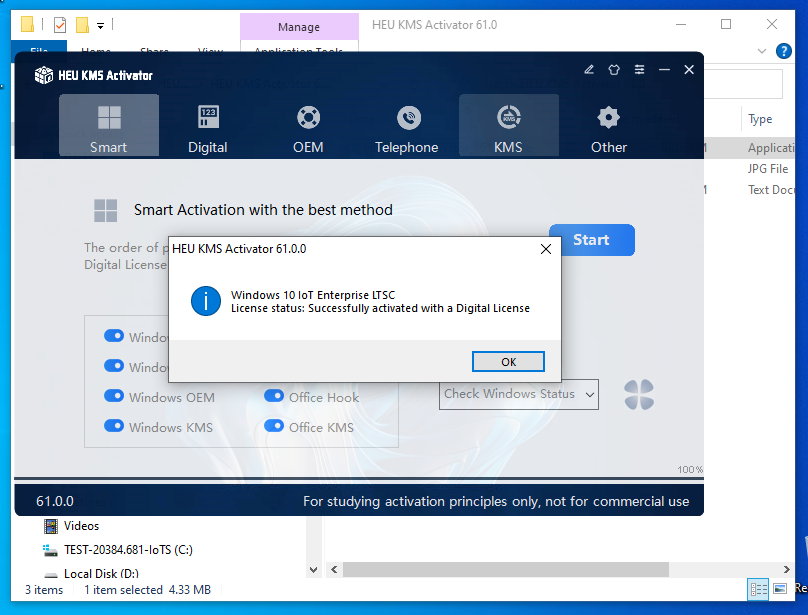
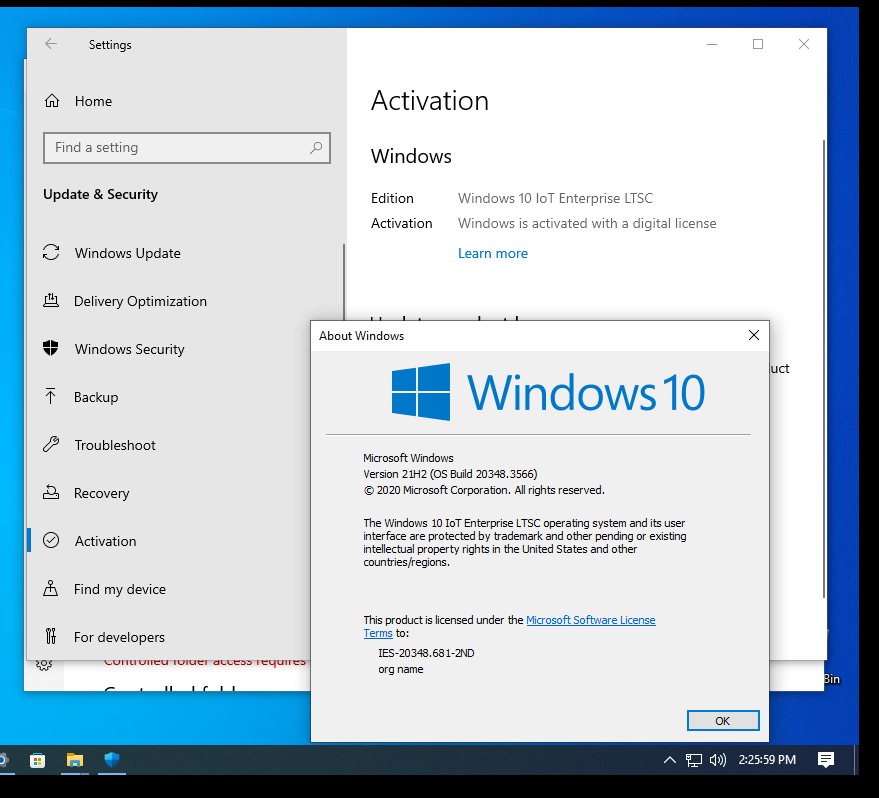
Use HEU_KMS_Activator to get a digital license.

What would happen if we apply the dism fix to the 20348.681 build and then try to upgrade ?
This will be the ultimate proof that it will be able to upgrade in the future without problems
For what I know EditionMatrix will get overriden by the new CU Update and only the registry edits will remain so you'll need to again modify the EditionMatrix to make it work since the EnterpriseS edition gets removed from EditionMatrix upon update and only the Server editions remain in it.
 

Hoang Duch2

Rồng Đỏ
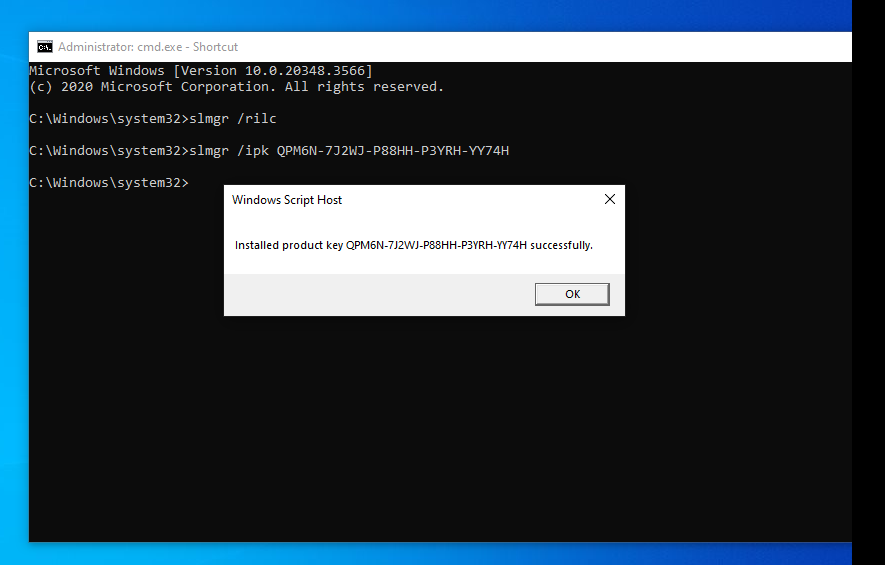
I did try to edit the EditionMatrix file, remove Server sku, rename EntS sku, run slmgr /rilc again, then enter key YY74H, I got IoTS edition again but not yet activate:


2025-04-19-134030.png


2025-04-19-135318.png


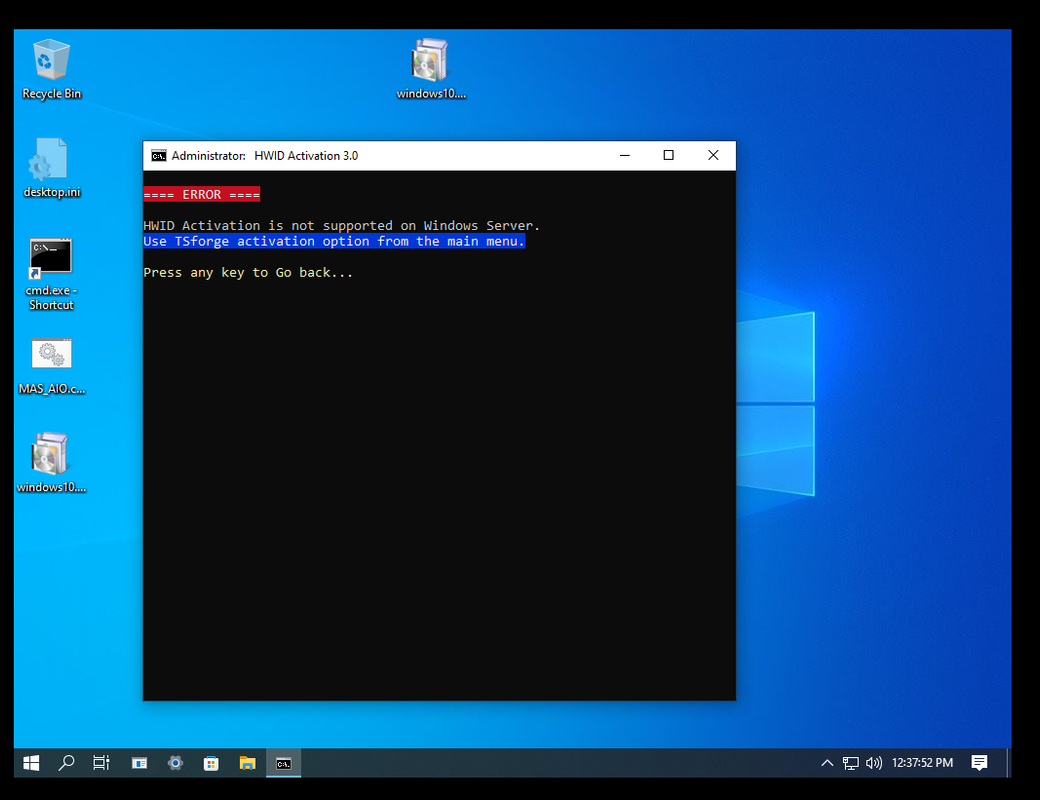
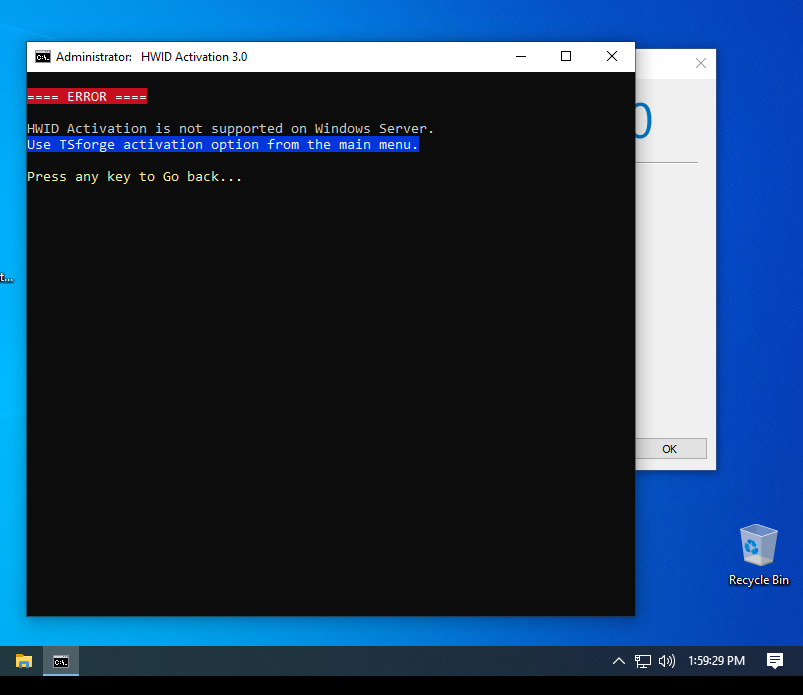
But I still can not activate for IoT-S, it shows like this:

2025-04-19-135929.png


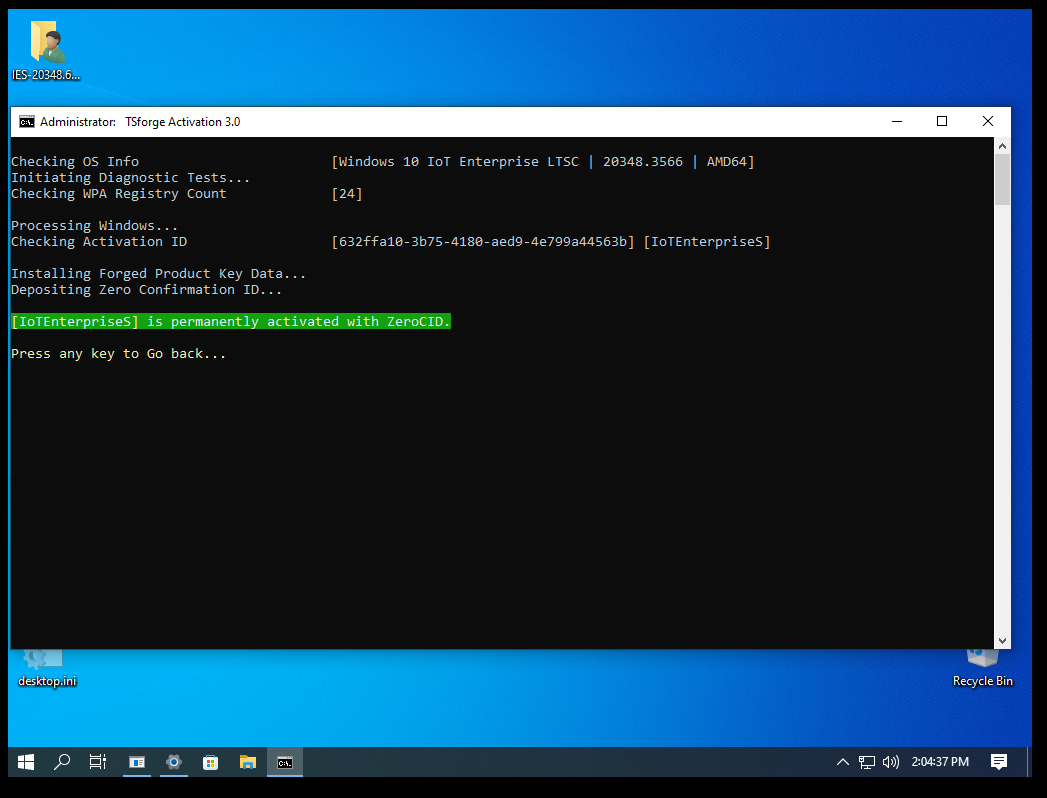
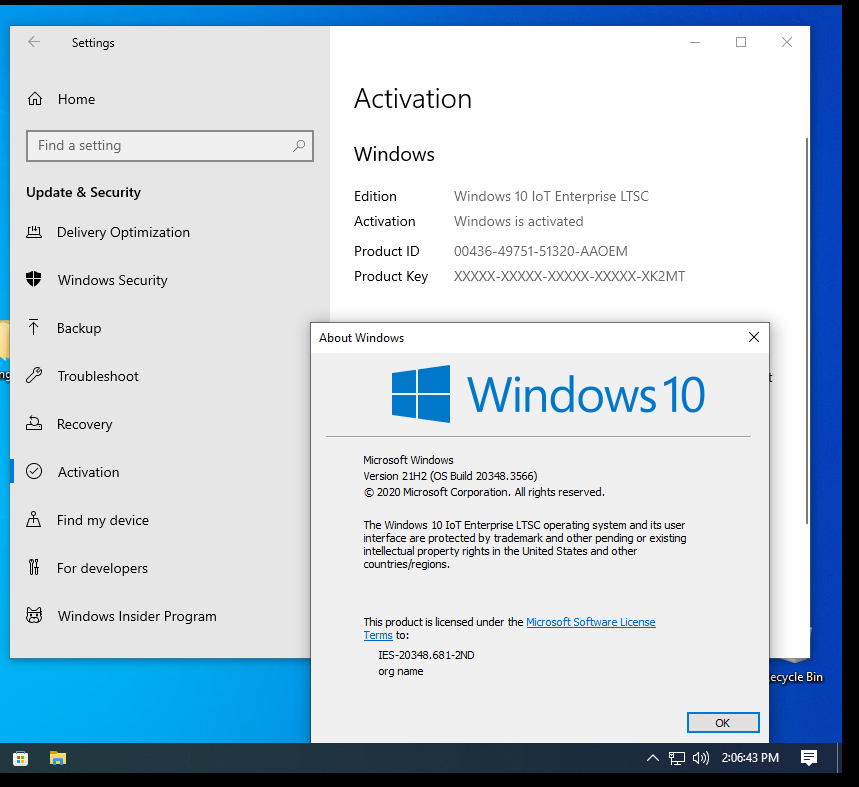
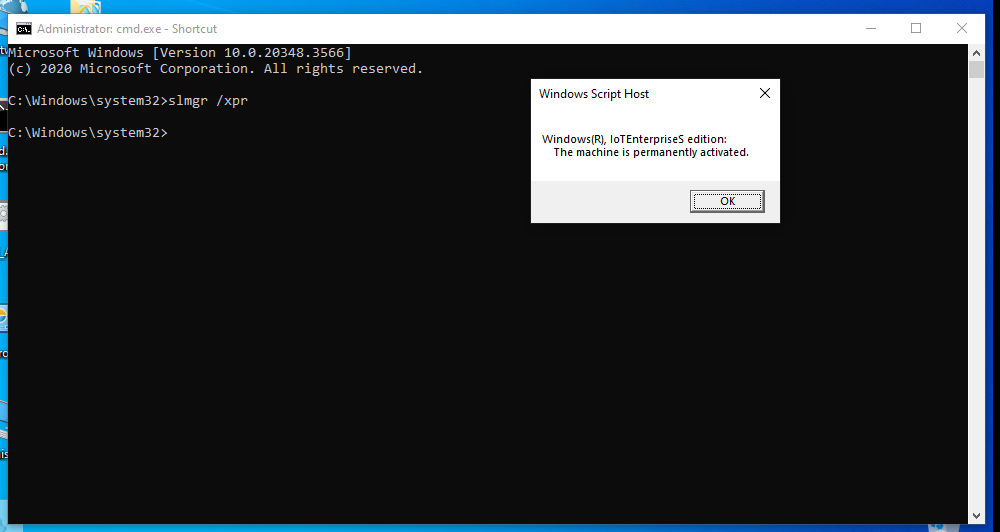
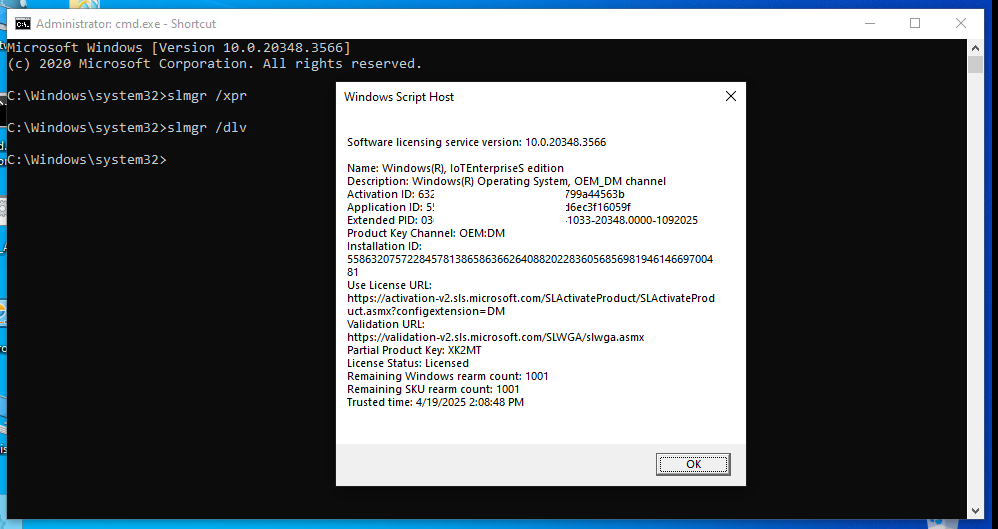
Using TSforge:

2025-04-19-140437.png


2025-04-19-140643.png


2025-04-19-140822.png


2025-04-19-140857.png
 
Sửa lần cuối:


Top