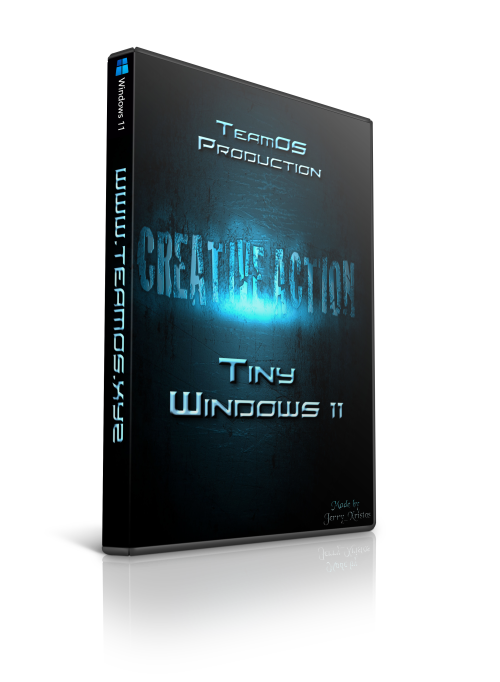
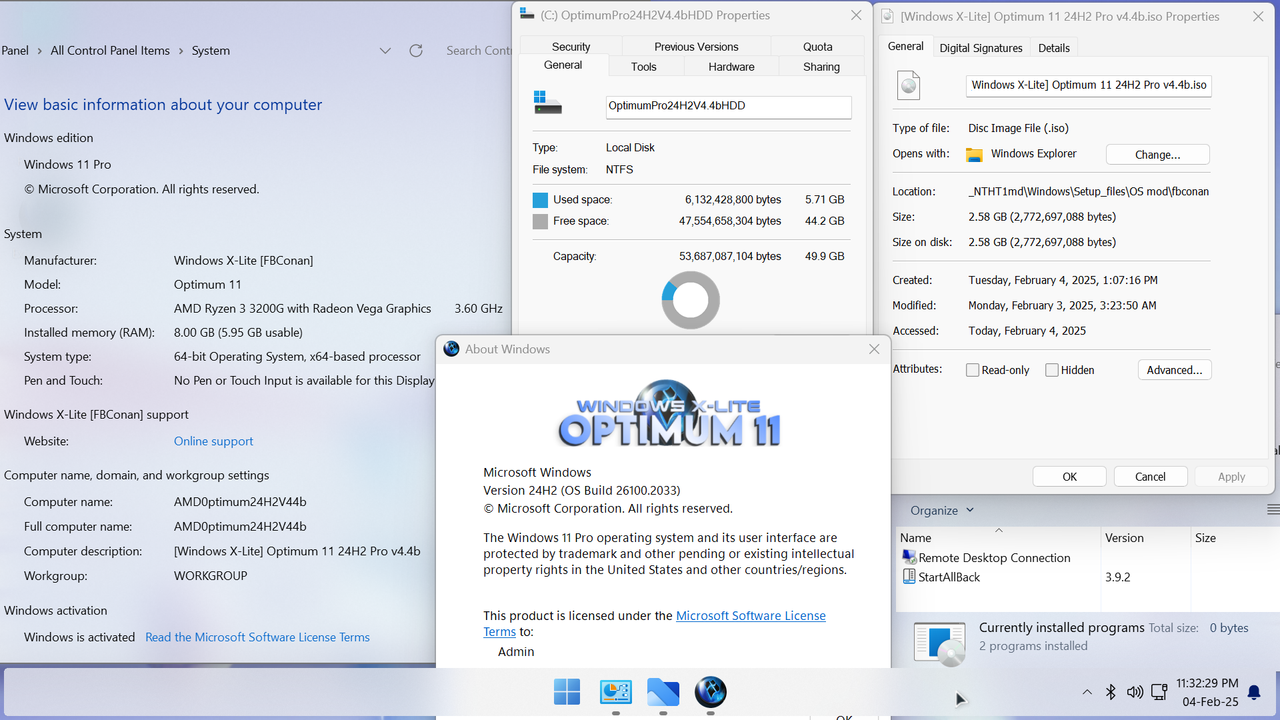
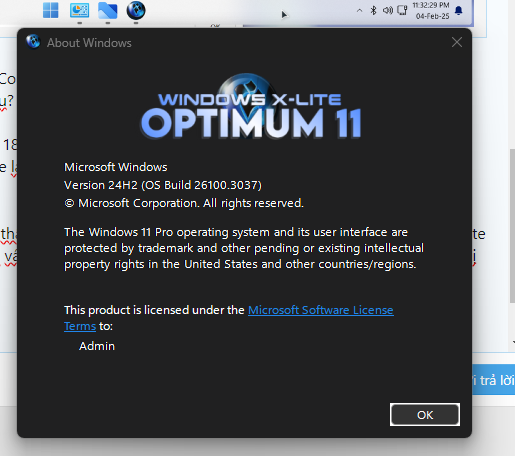
Optimum 11 24H2 [Pro] v4.4b • OS Build 26100.2033 AMD64
Mã:
https://windowsxlite.com/24H2ProV44b/
Link download:
Mã:
https://fastupload.io/f7128e8fb4524d09?pt=T1NEbXpvODhaSjdxRzRzN2ZIQUZUMFY2UjBNMksyZGhRbHB4ZW5wa05uTkhkblUxUWxFOVBRPT0%3D
Checksums:
File: [Windows X-Lite] Optimum 11 24H2 Pro v4.4b (FBConan).7z
File: [Windows X-Lite] Optimum 11 24H2 Pro v4.4b.iso
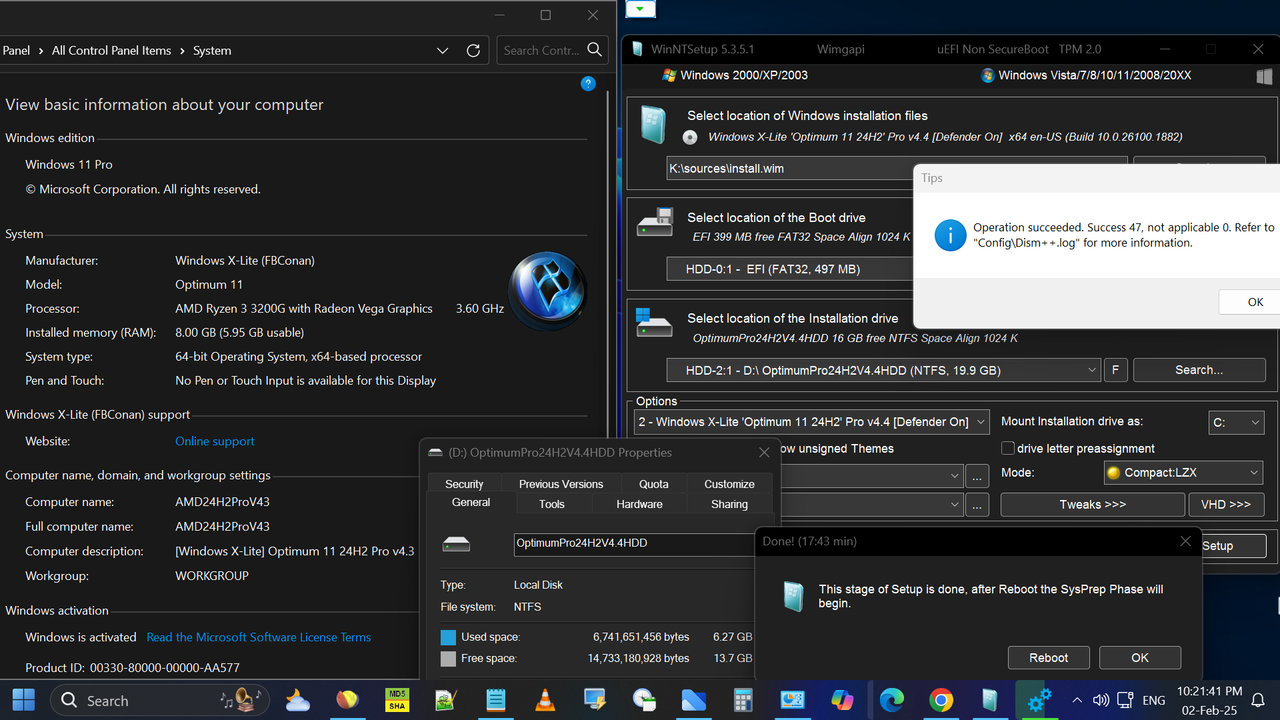
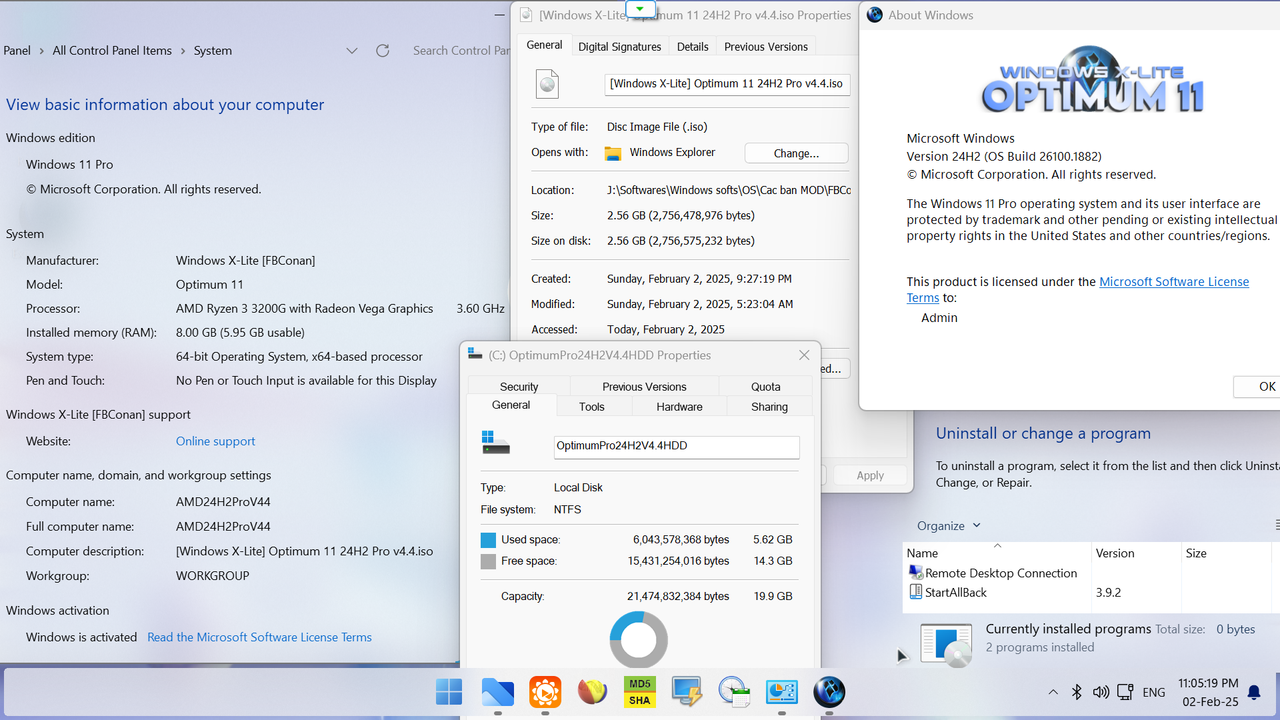
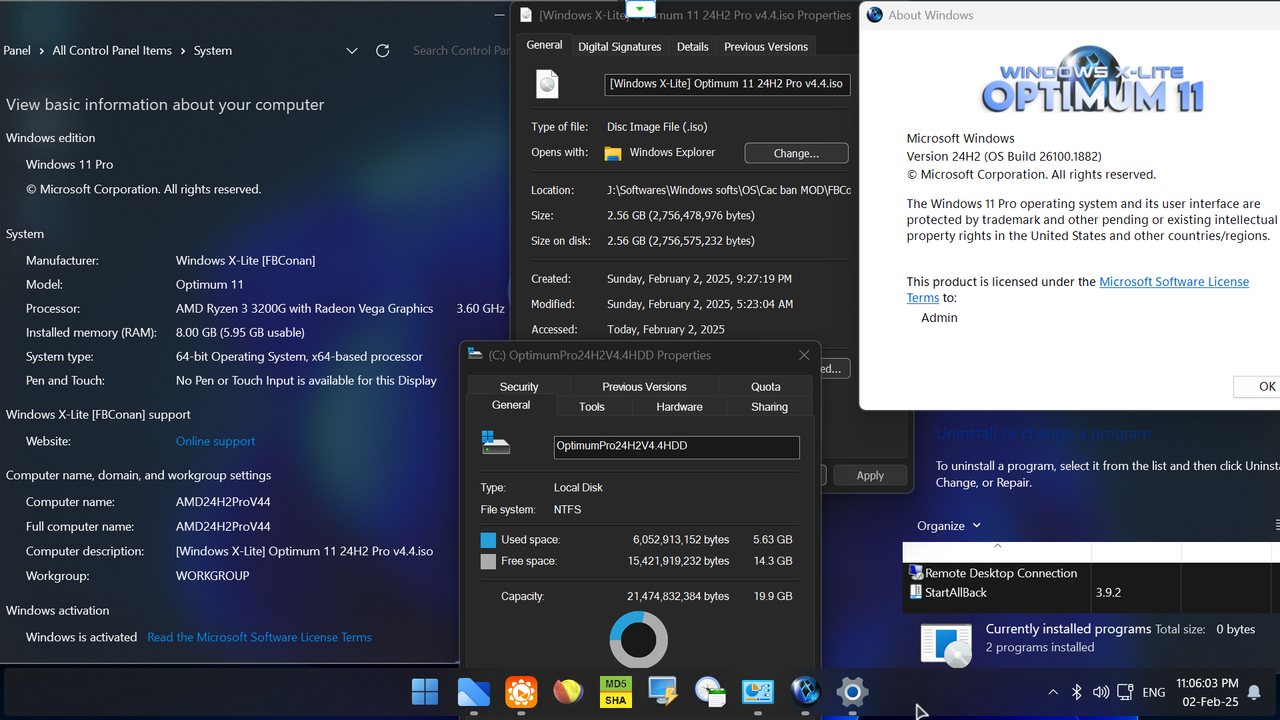
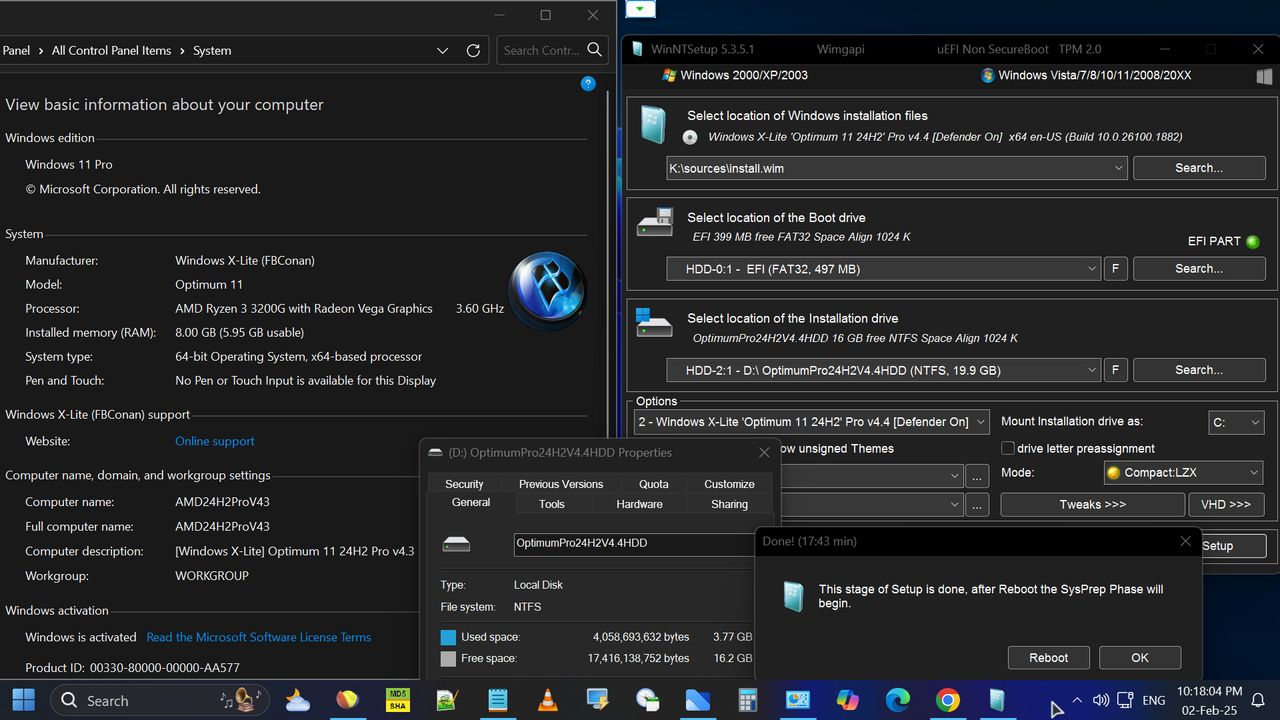
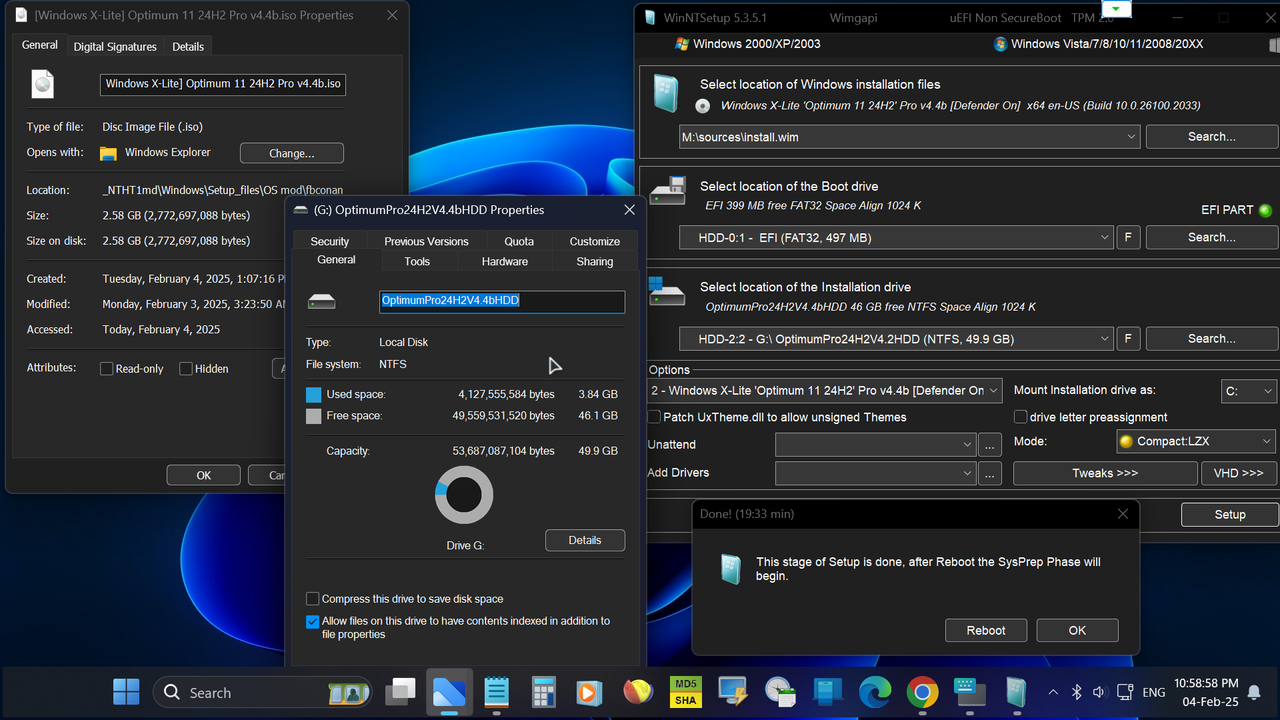
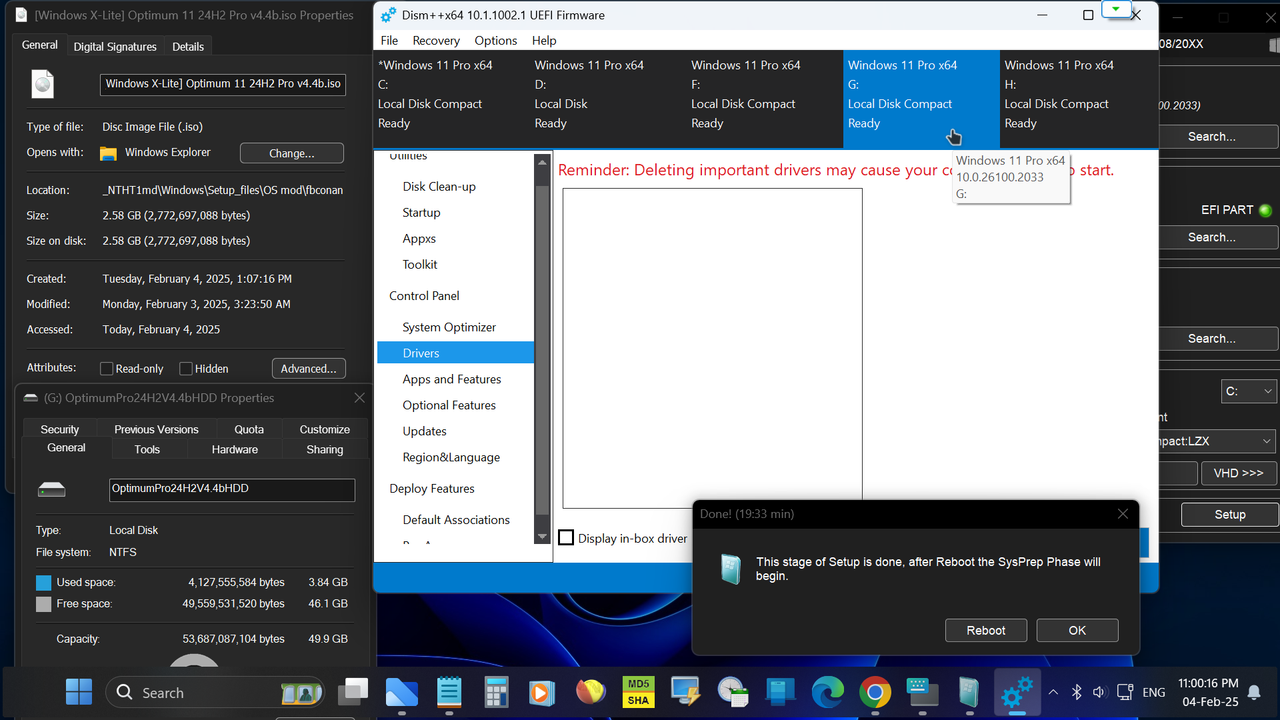
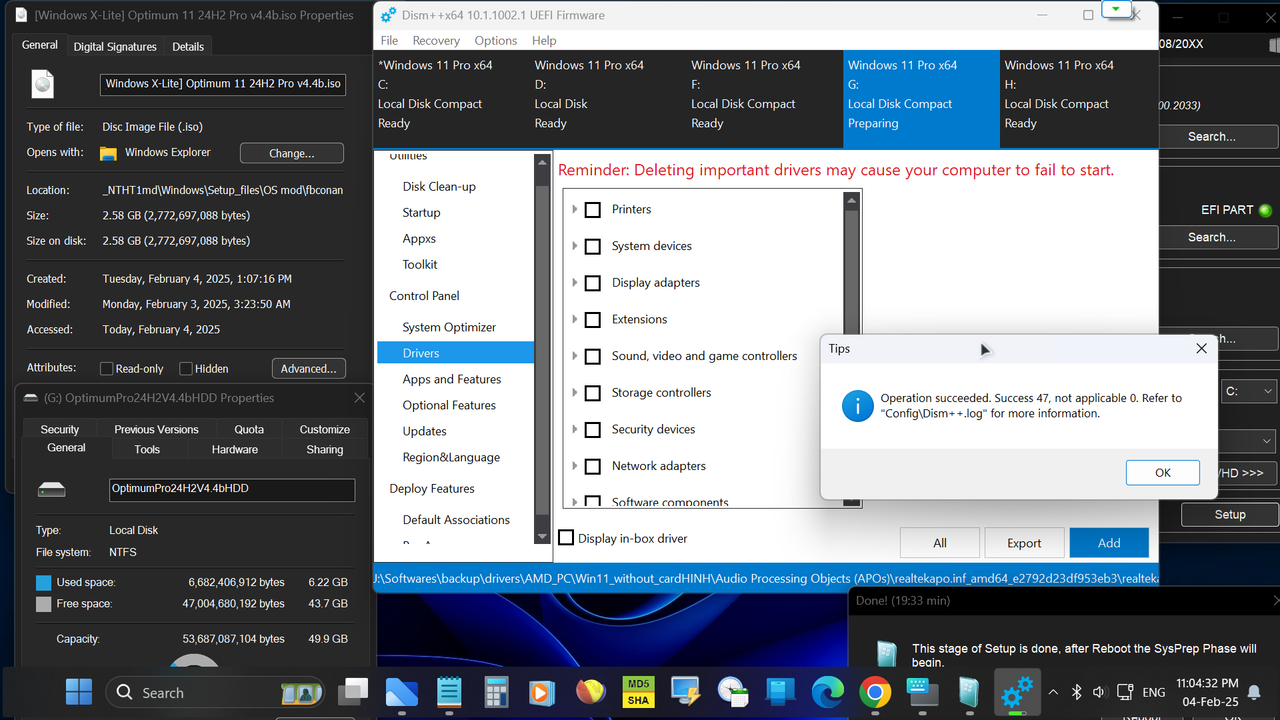
Screenshot
• Our Optimum 11 24H2 Home edition and Pro edition builds are equal in performance, responsiveness, and resource use, so download and install the correct edition for your laptop or license for the Ultimate Windows 11 24H2 experience on your PC!
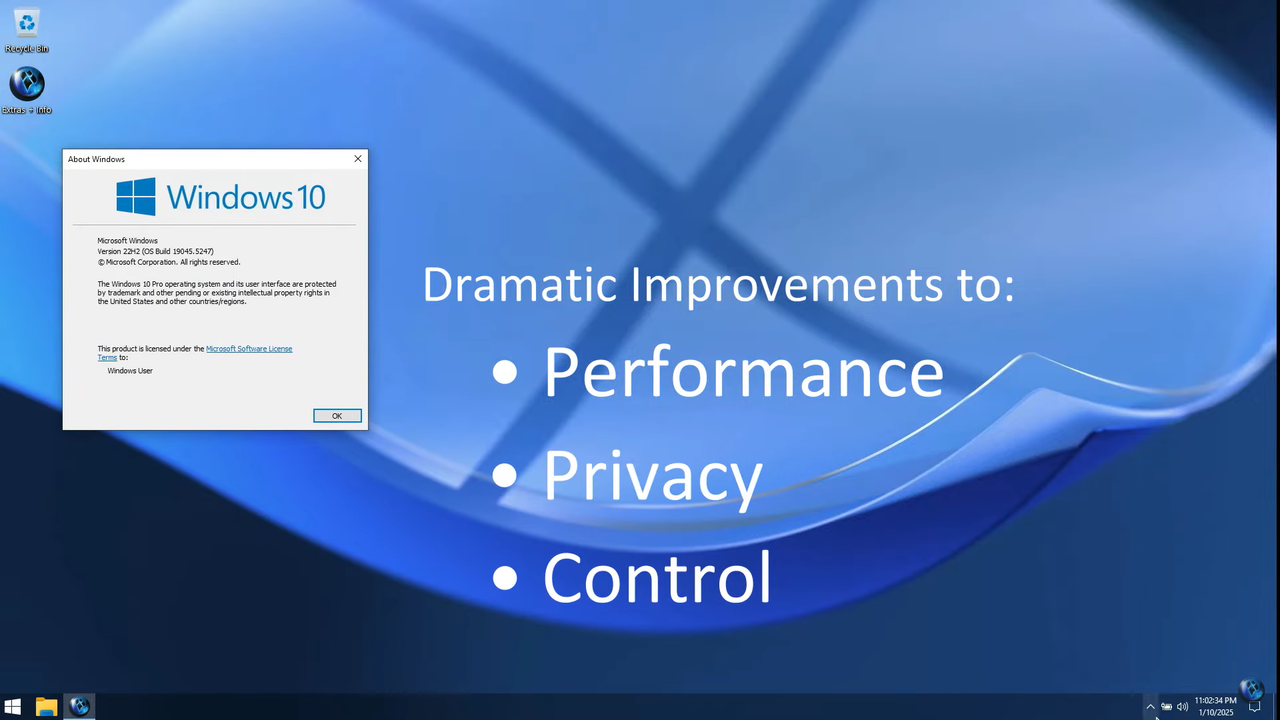
• If you're familiar with our 22H2 and 23H2 Optimum 11 builds, this release will make you feel right at home, as it offers a similar experience, and is designed to be as small, light, and responsive as possible, and designed to work on any PC. If you can install and run Windows 10 on your PC and have SSE4.2 support, you'll be able to do the same with this release.
• 'Optimum 11 24H2' Pro v4 is the spiritual successor to our previously released 'Optimum 11 24H2' Home and Pro v2 builds. Carrying on the tradition of our v2 releases, this release shares the same DNA, and also includes additional improvements and optimizations, and is based on a newer OS Build which brings many improvements compared to the previously released v2 builds.
🔹
Changes in v4.4 include:
• Based on OS Build 26100.1882
• Improved Build Update Support
• Improved Additional Language Support
• New themes and default Desktop look
• Floating task bar enabled by default
• Additional Improvements and Optimization
🔹
Changes in v4.4b include:
• Based on OS Build 26100.2033
• Fixes Update issue some users experienced in v4.4
• Improved Additional Language Support
• New themes and default Desktop look
• Floating task bar enabled by default
• Additional Improvements and Optimization
🔹If you'll be adding a language pack and changing the default language after installation, please make sure you add your desired language, enable it, and restart your PC BEFORE updating the OS Build. Newer OS Builds have issues with full system wide language translation, which is why this specific OS Build was used for this release.
BUILD INFO:
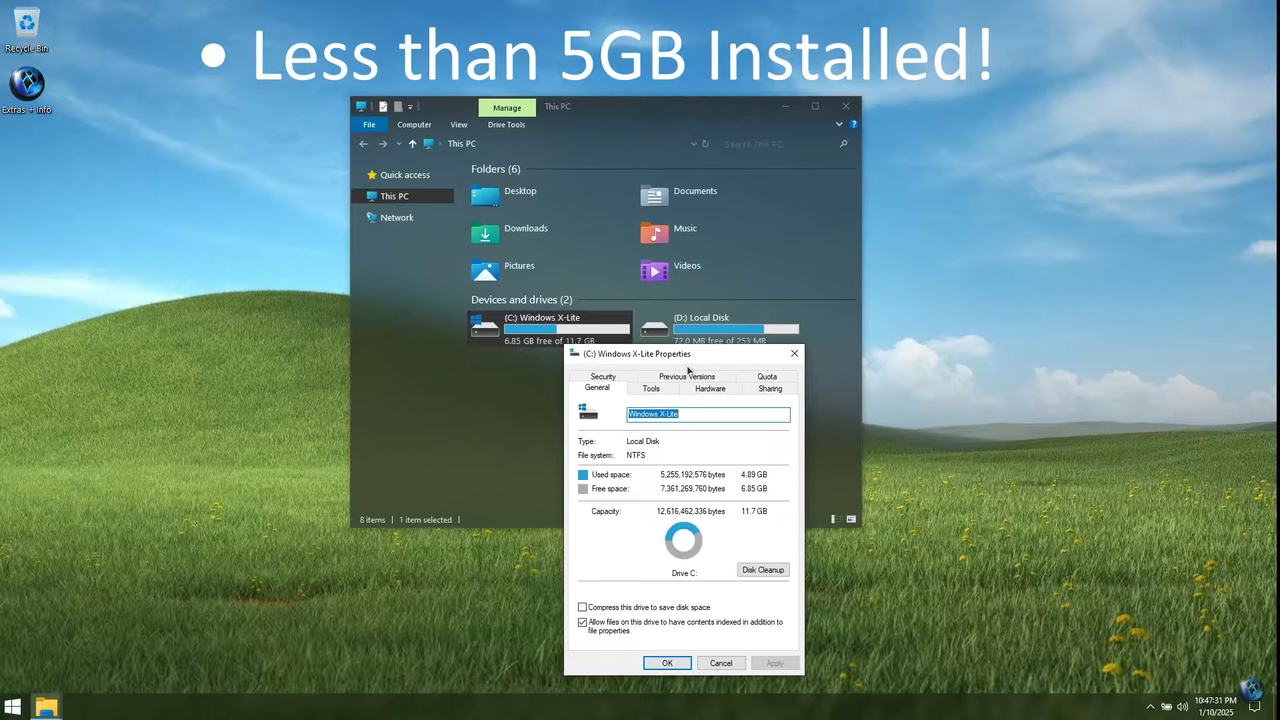
• 2.56 GB ISO
• 3.77 GB Installed Size (
Mode Compact LZX)
• Debloated and Optimized out of the box
• Optional Windows Defender
• Optional File Explorer Gallery
• Full Featured, Updatable Build
• Virtual Memory Enabled by Default
• Automatic Updates Paused Until 3000
• Integrated Intel RST Drivers into Setup
• Includes Optional File Explorer Transparency
• Extreme Performance for your Apps and Games
• Full Support for UWP Apps, Xbox, MS Store and much more
• Full Support for Additional Language Packs, Speech, Voice, etc.
• Full support for all optional features including WSA and WSL2
• Enabled Rounded Corners, Acrylic, and Mica by default (Even in a VM!)
• Automatic Updates can be paused for up to 10 years after resuming
• Additional Improvements and Optimizations Included
• No Pre-installed UWP Apps
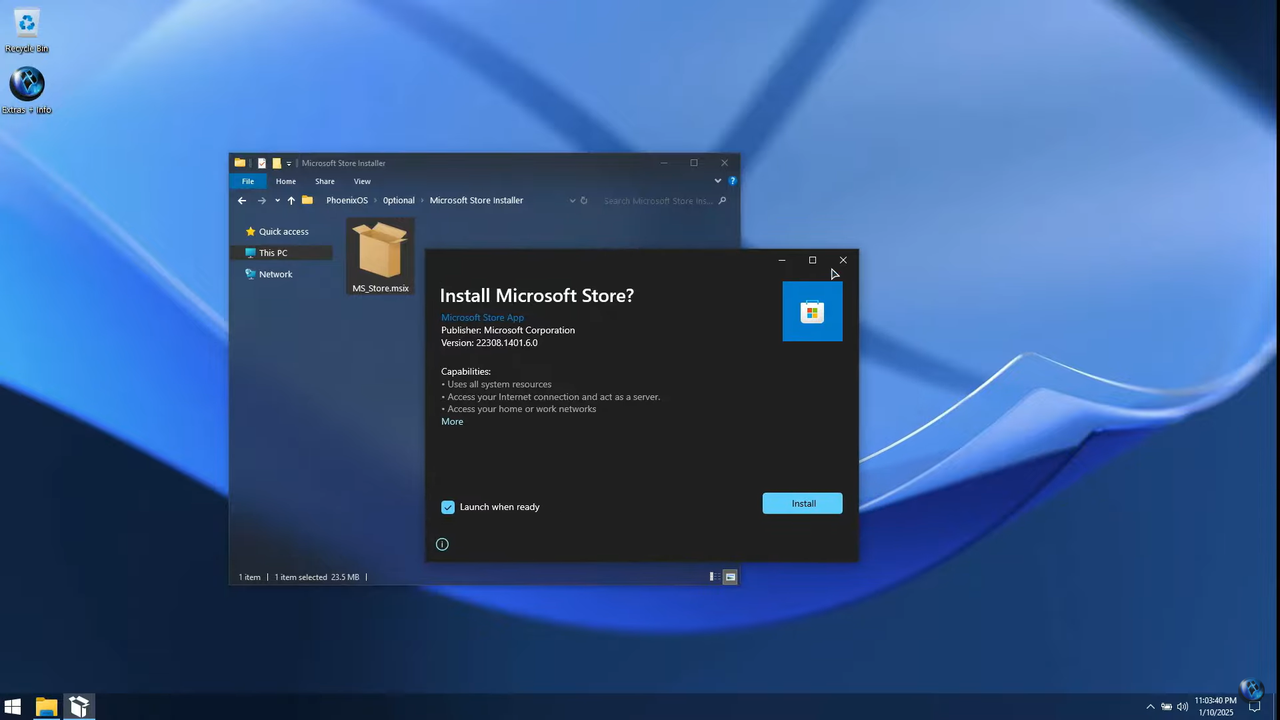
• MS Store Installer Included
💥 Designed to work with all Apps and Games, on All PCs. Old or new, weak or strong, Desktop or Laptop.
➡️ Bypasses TPM, Secure Boot, RAM, CPU, and Storage Checks
➡️ Bypasses Microsoft's Forced Account Creation during Setup / Installation
- Multi Build ISO With Selective Windows Defender During Setup
+ Removed Features Include: Edge, Smart Screen, UWP Apps, Webview & Widgets
+ Disabled Features Include: Defender (Optional), Windows Ink Workspace, BitLocker, Error Reporting, Indexing, UAC, Ads, Telemetry, Hibernation, Power Throttling.
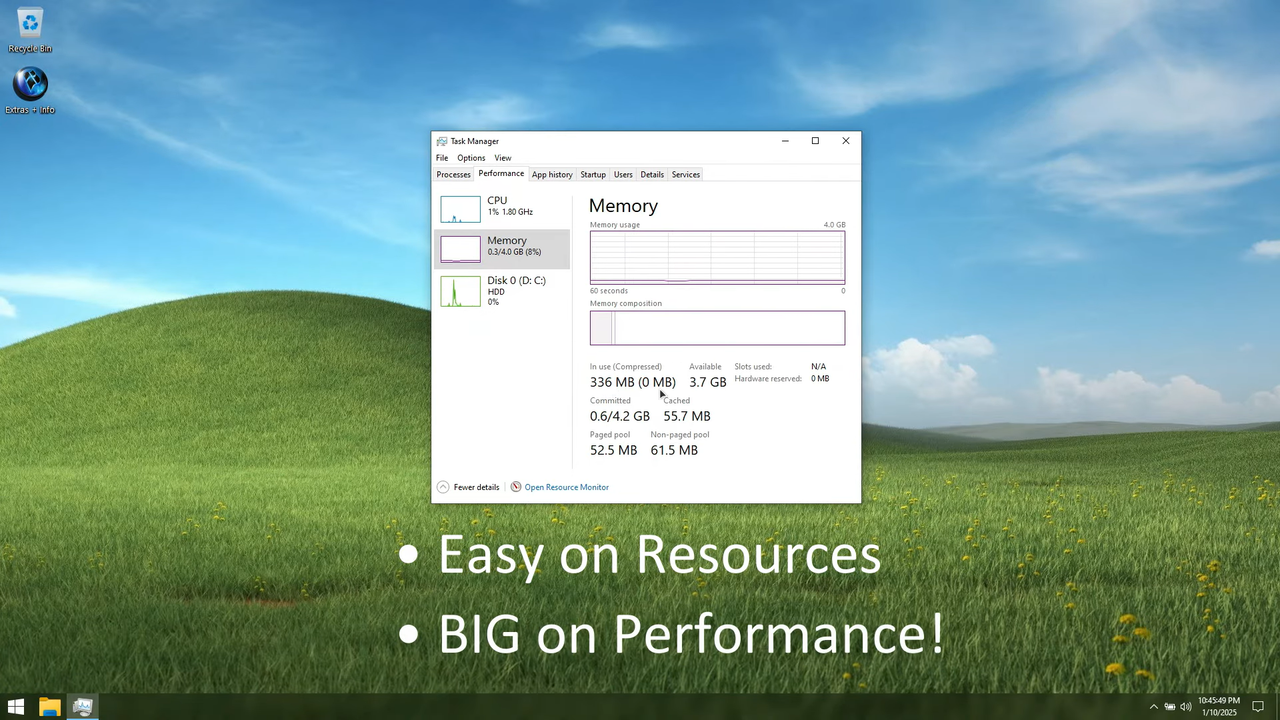
+ Performance Prioritized: This build has been designed to Maximize Performance, Responsiveness, and Resource Savings.
INSTALLATION
•
Use Rufus ONLY to write the ISO to a USB Drive.
• Boot from the USB Drive, and Perform a Clean Installation to your desired partition.
• *Your PC Will Reboot Once, Shortly After Installation Completes.
• We Recommend you download and install DX9 and VC++ Runtimes from our software Page:
Mã:
https://windowsxlite.com/software/
• For AMD Ryzen PC's, please download the latest Chipset Drivers from our software Page:
Mã:
https://windowsxlite.com/software/
• To Troubleshoot any issues you may have, please read our guides Page for help!:
Mã:
https://windowsxlite.com/guides/
You can also easily change the look of the Start Menu in this build!
Download and run either of the files below, to change the start menu look to either the modern Windows 11 Start Menu:
Mã:
https://fastupload.io/99e09fcae3133b52
, or the more functional classic Windows 7 Start Menu!
Mã:
https://fastupload.io/78762103eaa49da1
Widgets Enabler
• If You'd like to enable Widgets (News and Interests Feed) in this build, you'll first need to install the Edge browser and Webview2 Runtime, which are both included inside the extras folder in this release. You'll also need to run the shortcut labeled 'Widgets On' in the extras folder, then download and install the Widgets App linked below, followed by restarting your PC to complete changes.
Mã:
https://fastupload.io/57bc407a302f9aa3?pt=b0VwT3dCWmd5OVBLRXBtMmFxK2M0R3N3YVhWeVVVbENVVWRWYjNVelZ6bHNaVXd6YmxFOVBRPT0%3D
File Explorer Gallery Enabler
• If you'd like to enable File Explorer's new 'Gallery' feature,
download our 'Gallery Enabler' for everything you need
to enable Gallery in this release!
Mã:
https://fastupload.io/d3b15205b942ee6f?pt=MGJLTmpGQ3gxOXZVSDV5ZjcxL1JTRWhOWkVOdlZtaGpLMjE1VHpKbmFtTTJZVEkwTkVFOVBRPT0%3D